
Introduction
QuickBooks Desktop is used by businesses to manage finances, invoices, payroll, and expenses. If you follow the correct steps, downloading and installing the software is simple.
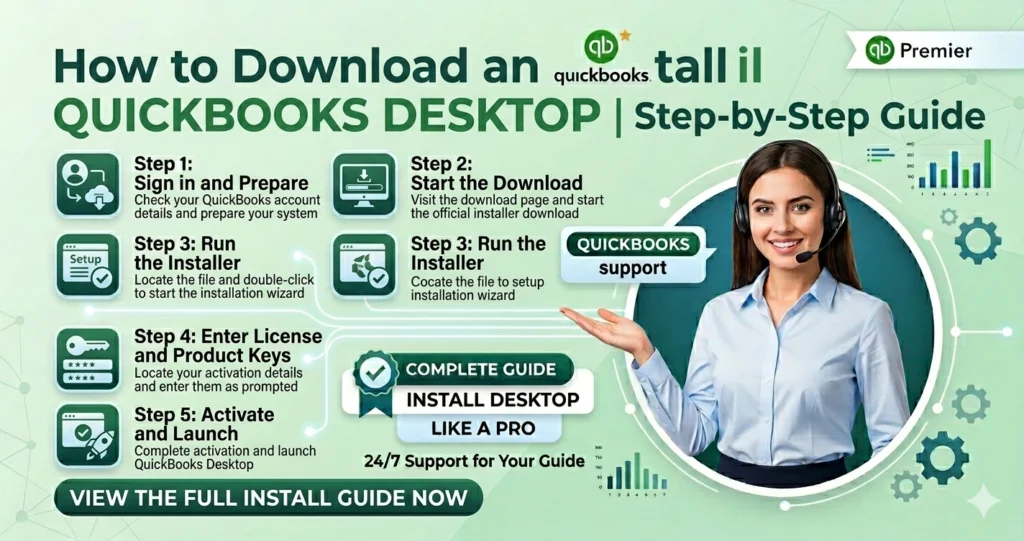
Steps to Download QuickBooks Desktop
Go to the official Intuit QuickBooks Downloads and Updates page.
Find Your License and Product Numbers
Before beginning the installation, make sure that the License Number and Product Number are available.
Install QuickBooks Desktop
Run the Setup File
After the download is complete, open the installer file from your computer’s downloads folder. The file is usually named like Setup_QuickBooks.exe.Follow the Installation Instructions
Choose an Installation Type
QuickBooks gives you two installation options:
Express Install
This option is recommended for most users and provides a quick setup process.
Custom and Network Install
Choose this option if you want to set up QuickBooks for multiple users on a network.
Finish the Setup and Activate QuickBooks
- Click Open QuickBooks
Activate the software from within the application menu